
If you’re buying a replacement Starlink cable, the first question isn’t length or price. It’s which dish you have. Gen 2 and Gen 3 cables look similar from a distance — same grey jacket, same job, power and data down one lead — but the plugs are different, and a cable for one will not fit the other. Get the generation wrong and the cable is useless.
Gen 2: the proprietary plug
The Gen 2 Standard Actuated dish — the rectangular one with the motor that aims itself — uses a proprietary connector, usually called SPX. It’s a slim, flat plug, nothing like a normal network connector, and both ends of the cable are the same proprietary plug. The kit shipped with a 15.2 m (50 ft) cable, and longer official replacements go up to 45.7 m (150 ft). You can’t extend it with a length of Ethernet cable from a shop, and you can’t re-terminate it in the field with normal tools. If the cable is too short, you buy a longer Gen 2 cable — or you use an adapter pair (more on that below). Our Gen 2 replacement cable comes in the same six lengths as the Gen 3 one — 2, 10, 15, 23, 30 and 46 m — CAT5e FTP, 24 AWG, gigabit, with moulded Gen 2 plugs, one end angled for the mast and one straight for the router.
The Gen 2 router has another quirk: it has no Ethernet port at all. If you want a wired connection to a computer, a third-party router or a switch, you need the Gen 2 Ethernet adapter, which plugs into the router and gives you one gigabit RJ45 port.
Gen 3: standard RJ45 at last
The Gen 3 Standard dish dropped the proprietary plug and went with a standard RJ45 connector on both ends, behind a weatherproof rubber shroud. The kit cable is 15 m (49.2 ft); official replacements go up to 45 m. The cable still carries power and data together over PoE, so it has to be a shielded cable of the right gauge — but the plug itself is ordinary, which changes everything about spares and extensions. It’s also reversible: either end goes into the dish or the router. The Gen 3 router helps too — Router 3 has two built-in Ethernet ports, so most people never need an adapter at all.
One warning that applies to both generations: the weatherproofing lives in the plug and the seal, not just the cable. A plain indoor patch cord will fit a Gen 3 dish, but without the sealing shroud it won’t stay dry outside. Use a cable made for the job, or keep the join indoors.
The adapter that bridges them
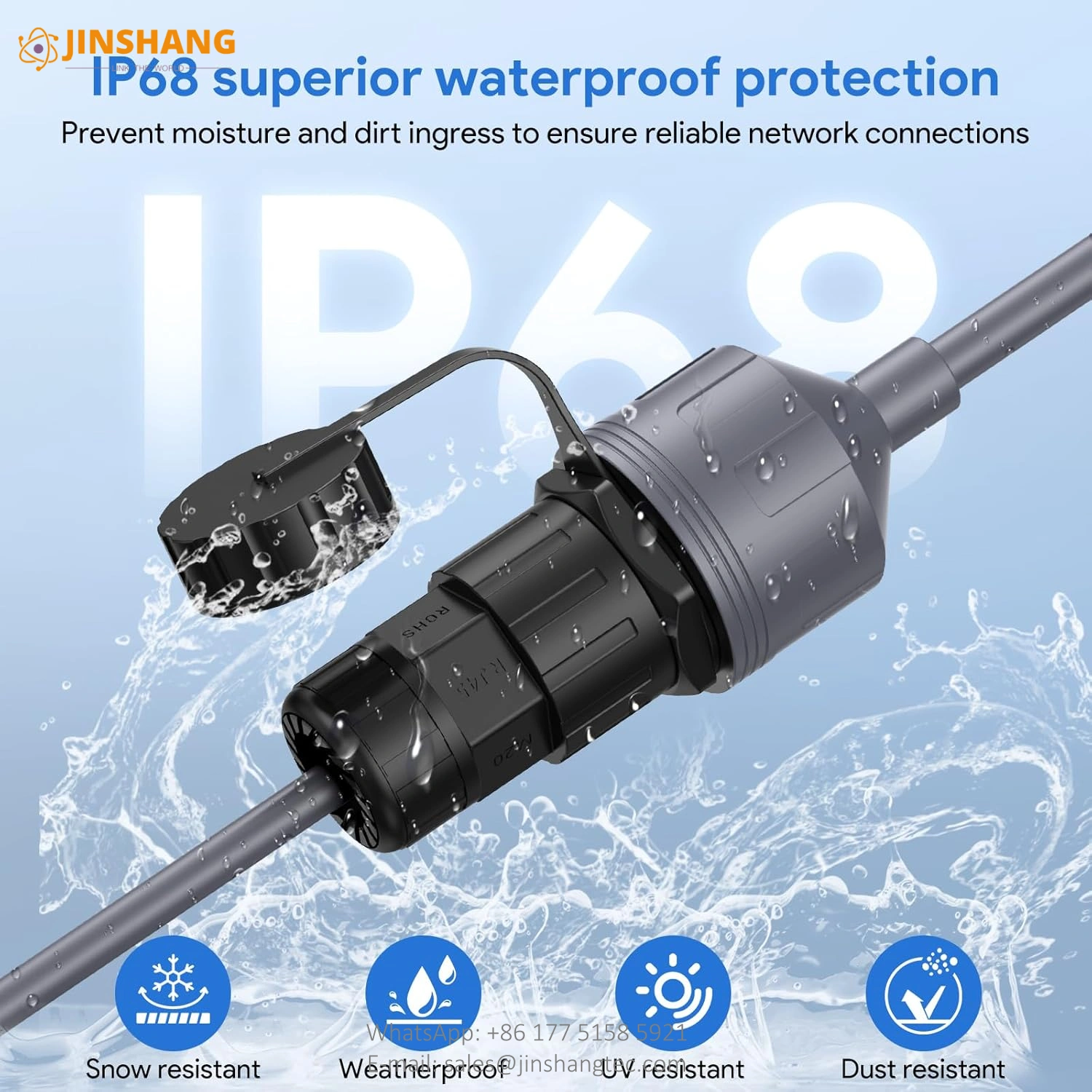
Here’s the part that saves people money. Both generations have an adapter pair that turns the dish-side plug into a standard waterproof RJ45 socket. One lead plugs into the dish, one into the router, and you join the two with an ordinary shielded Ethernet cable cut to whatever length your route needs. The Gen 3 pair is two 0.5 m leads with IP68 couplers, and the picture on the listing states a 175 ft maximum for the Ethernet run in the middle. The Gen 2 pair does the same job for the older dish — a compact version with slim couplers and 1 m leads, and a large-shell version with 0.5 m leads.
That’s useful in three situations. Your cable has to go through a wall, a conduit or a cabinet where a fixed-length cable is hard to pull. One section of the cable is damaged and you don’t want to replace the whole run. Or the dish moves between sites — an RV, a boat, a portable setup — and you want to carry Ethernet in different lengths instead of a drawer full of fixed cables.
One thing to check before you power up: the pinout for these adapter pairs isn’t stated in the source files, so check the wiring before you switch the system on.
So which cable do you need?
- Gen 2 Actuated dish, cable too short or damaged: a Gen 2 replacement cable in 2, 10, 15, 23, 30 or 46 m, or a Gen 2 RJ45 adapter pair plus a shielded Ethernet cable of the length you need.
- Gen 3 Standard dish: a Gen 3 replacement cable — ours is CAT5e FTP, 24 AWG, gigabit, in 2, 10, 15, 23, 30 and 46 m — or a Gen 3 RJ45 adapter pair if the run has to go through a wall or conduit.
- Wired devices on a Gen 2 router: the Gen 2 Ethernet adapter, one gigabit port. On Gen 3, the router already has two ports — just plug in.
- And if you’re not sure which dish you have: the motorised one that aims itself is Gen 2; the kickstand dish you aim by hand is Gen 3. Check the plug before you order.
Sources: DISHYtech, “Starlink Cable Lengths and Optional Extensions” and “Gen 3 Standard vs Gen 2 Actuated”; Spacetek, “Starlink Cable Connector Guide”; StarlinkInfo, “Starlink Cable Length (2026 Guide)”; EDUP/WXLink, “Starlink Ethernet Adapter Guide: Gen 2, Gen 3 & Mini”.
