
On 6 November, Starlink quietly started shipping its first Wi-Fi 7 router. If you order a new Residential kit in the US or Canada today — on the 200 Mbps or Residential Max plan — the box that arrives is a V4 kit, and the router inside it is Router 4. It is the first router Starlink has built on a Wi-Fi 7 chipset, and it replaces Router 3, the Wi-Fi 6 unit that shipped with the Standard 4X kit until now.
What Router 4 actually is
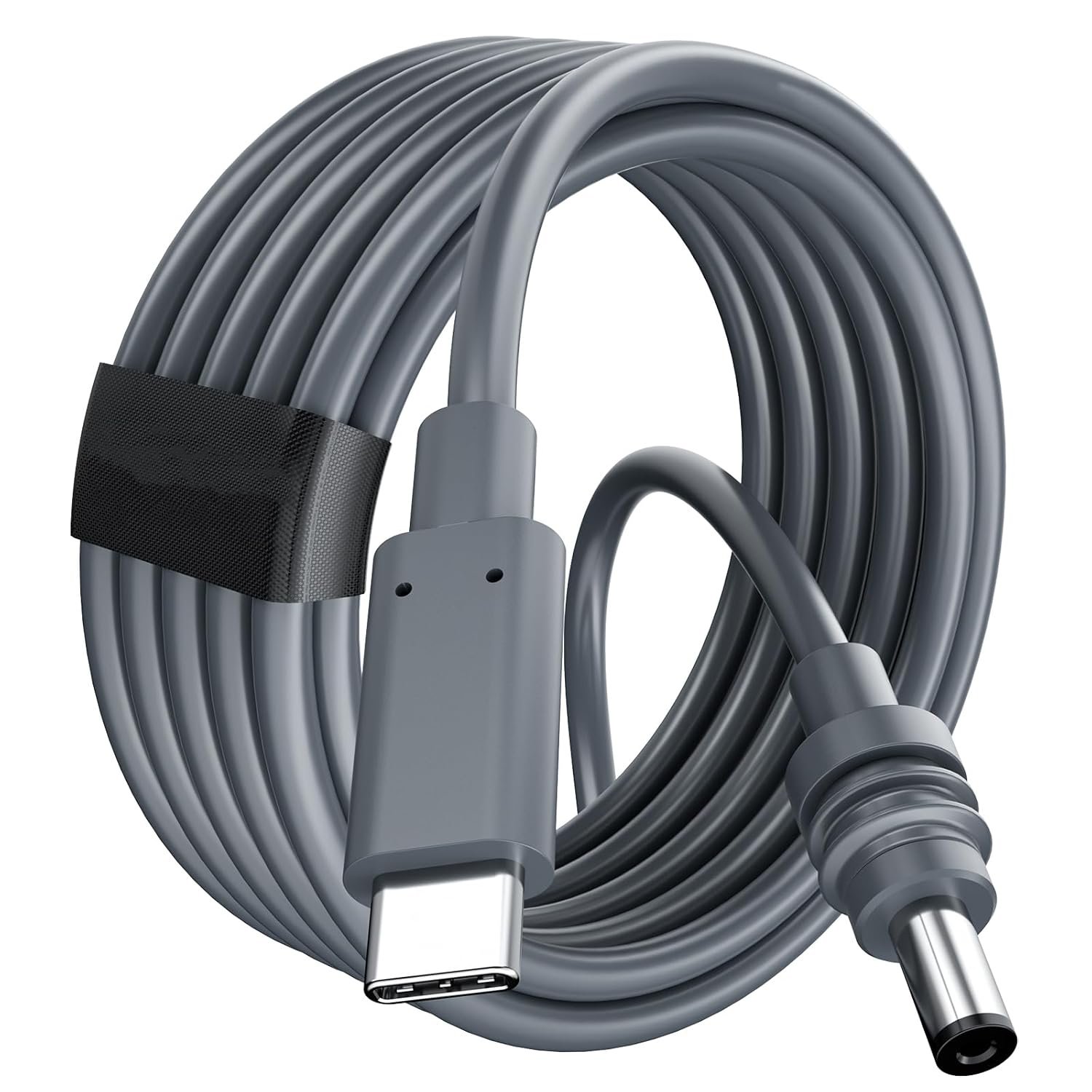
The numbers, from Starlink’s own confirmation on 6 November: coverage rated at 3,500 sq ft indoors, up from 3,200 on Router 3, and up to 510 devices connected at once, more than double Router 3’s 235. It has two Ethernet ports, both with Power over Ethernet, and it takes power through its WAN connection or over USB-C. The box is 1.8 by 8 by 4.5 inches, weighs 0.4 kg, and carries an IP56 water-resistance rating — though Starlink still specs it for indoor use only, so don’t take the rating as permission to mount it on a porch. Starlink first showed the hardware on 9 September, and the FCC authorisation (model UTR-261) dates back to August.
The catch most of the coverage skips
There is no 6 GHz radio. Most Wi-Fi 7 routers lean on the 6 GHz band for their widest channels and fastest links; Starlink skipped it. The tri-band layout is spread across 2.4 GHz and 5 GHz, with one radio set aside purely for mesh traffic. And the bigger limit sits outside the house anyway: the dish itself still tops out around 400 Mbps. Wi-Fi 7 does not speed up the satellite hop, and Starlink doesn’t claim otherwise. The gigabit speeds people keep hearing about depend on the larger V3 satellites, which only started going up this month — that is a longer story, not a router upgrade.
What doesn’t change
The cable between the dish and the router is the same one. Router 4 works with the Standard 4, Standard 4X, Starlink Mini, Performance (Gen 1) and even the original round dish, and Gen 2 owners can run it too with a Starlink Ethernet adapter and the old router switched to bypass mode. Your existing Router 3 or Router Mini mesh nodes pair straight with it.
But if you already own a kit, don’t go looking for a Router 4 to buy. There is no standalone price yet, and Starlink hasn’t published an upgrade route for existing subscribers. The 100 Mbps tier, Roam and business plans aren’t included either, and the free Standard 4X kit offer for first-generation dish owners still lists Router 3. For now, Router 4 is something new customers get in the box — not something current owners can order.
The one thing worth doing if you’re getting one
The extra coverage tempts you to put the router in the middle of the house instead of on the wall where the cable comes in. That’s the right instinct — a router in the centre covers the house better than one in a corner. But it means a longer run from the dish to the router, and the kit still ships with a short standard cable. Before the kit arrives, measure the route: dish to eaves, down the wall, through to the middle of the house, with slack for a drip loop. Then buy the length that fits the route, not the one that looks about right. Our Gen 3 replacement cable comes in 2, 10, 15, 23, 30 and 46 m, shielded (CAT5e FTP, 24 AWG, 1 Gbps), so the run can go the proper way round the house instead of the shortest way across a roof.
The two Ethernet ports are worth a thought too. Both carry PoE, so a mesh node in the far room or a wired device that needs power over the same cable plugs straight in — a plain Ethernet patch cable does that job, no adapter needed. Don’t overthink it, and don’t let a new router talk you into replacing a cable that already works.
Sources: The Gadgeteer, “Starlink Router 4 brings Wi-Fi 7 to new residential kits” (8 Nov 2026); NotebookCheck, “Starlink launches Wi-Fi 7 Router 4 with 3,500 sq ft coverage for new residential customers” (7 Nov 2026); Space Internet Solutions, “Starlink midweek updates” (11 Nov 2026).
